Draw
Establish a boundary before placing content.
Section rules, a new frame, progress.
BUILD.KRD / DIGITAL DESIGN SYSTEM / 1.0
The reusable foundations, components and motion behind Build.krd.
A working reference for the people who build what comes next.
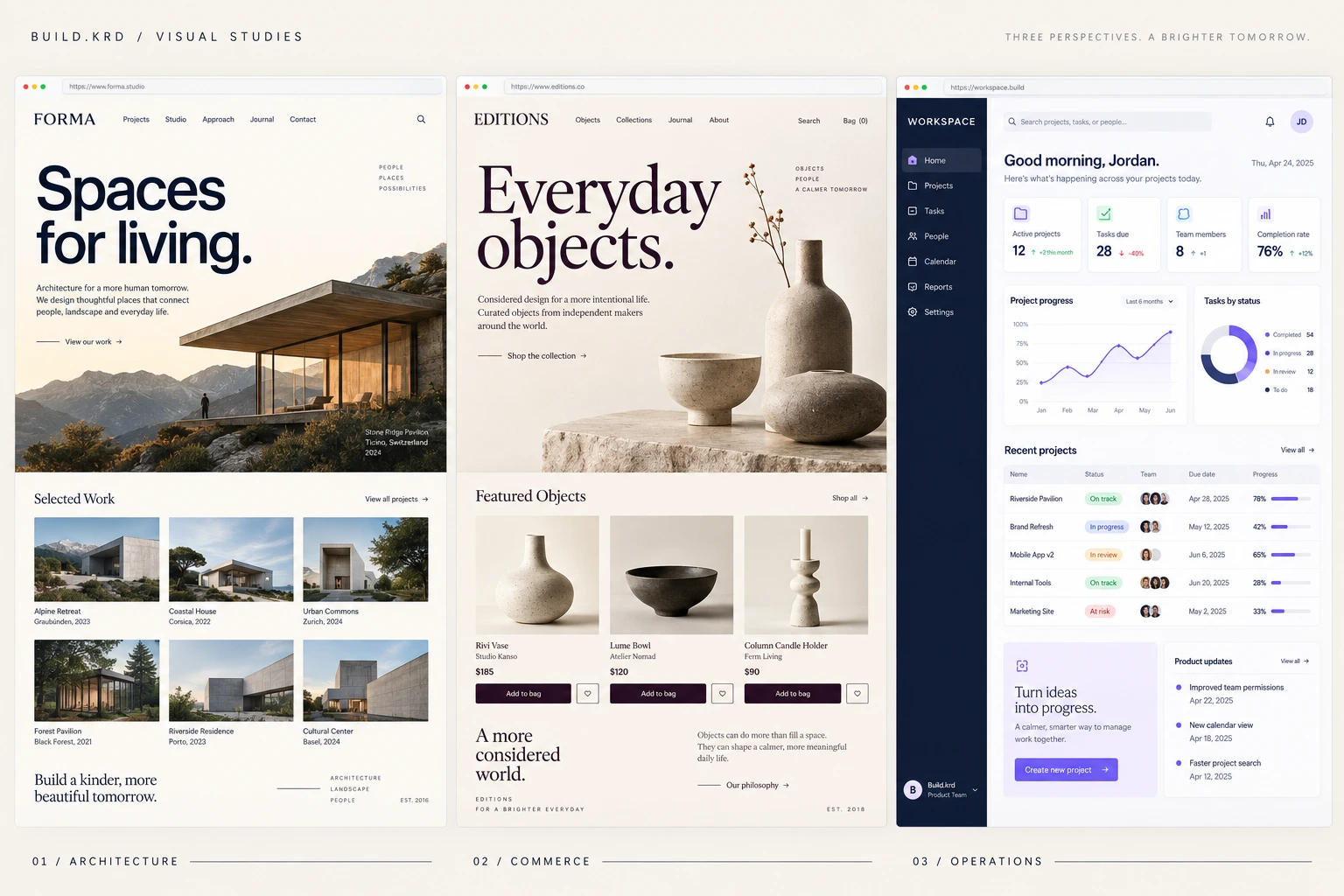
ART DIRECTION / CONCEPT REFERENCES
Generated visual studies used to guide the architecture, commerce and operations previews. These are design references, not client projects or functional screenshots.
01 / FOUNDATIONS
#111D35Primary text, navigation, dark surfaces
#F3F0E9Main canvas and reversed typography
#AEA0D2Signature dot and small accents
#FFFFFFRaised content surfaces
#E4DFD5Decorative rules and quiet boundaries
#586174Secondary text
#E9E3F2Selected surfaces
#695487Links and focus on light surfaces
A starting balance of porcelain, midnight and iris. Use midnight text on iris, and Deep Iris for links on porcelain. Iris is a decorative accent, not small text on a light surface.
| Canvas | Porcelain |
|---|---|
| Text / primary | Midnight |
| Text / secondary | Slate |
| Action / primary | Midnight + porcelain |
| Selection | Iris Mist + midnight |
| Link / focus | Deep Iris on light; iris on dark |
| Feedback / error | #A33342 — functional only |
A CLEAR HIERARCHY
Readable text. Restrained accents.
TYPOGRAPHY / EXPLICIT EXTENSION
The supplied wordmark remains outlined artwork. Geist handles headlines, interface text and body copy. Georgia italic provides selective editorial contrast; it never replaces the logo. Geist Mono is reserved for code.
| Display | 60–108 px / 1.04 / −0.045em |
|---|---|
| Section | 38–72 px / 1.12 / −0.045em |
| Subheading | 25–38 px / 1.2 |
| Body | 16 px / 1.7 |
| Controls | 14–16 px / minimum 44 px target |
| Annotations | 12 px / 1.6 / +0.095em |
| Mobile display | 53–72 px / 1.04 |
4, 8, 12, 16, 24, 32, 48, 64, 96 px. Start with 24 px between related parts and 64–96 px between sections.
| Container | 92% width, max 1440 px |
|---|---|
| Mobile | ≤600 px / 88% width |
| Tablet | 601–800 px / stacked hero |
| Compact desktop | 801–1100 px |
| Wide desktop | ≥1600 px / capped composition |
| Borders | 1 px; limestone for decoration |
| Radii | 11 px choices · 22 px glass panels · pill actions |
| Glass | 22 px backdrop blur · 14 px on compact screens |
| Reading surfaces | Denser glass for forms and long text |
| Transparency preference | Solid surfaces with reduced transparency |
| Elevation | Soft contact shadow, no glow |
| Layers | Navigation 10 · dialog 50 · skip link 90 |
02 / COMPONENTS
These examples use the same components as the website. Hover, focus with Tab, press, select, and open them.
ACTIONS / DEFAULT, HOVER, FOCUS, PRESSED, DISABLED
Controls respond in 150 ms. Primary actions open the same accessible inquiry flow. Disabled examples are deliberately unavailable.
LINKS, TAGS, LABELS & ICONS
Lucide line icons at 16–24 px, with a consistent stroke. Use an arrow for navigation, a plus for adding and a check for a completed action. Pair unfamiliar icons with text.
SELECTED STATE / CHOICE GROUP
ACCORDION / KEYBOARD & TOUCH
FORM / VALIDATION & SUCCESS
PROGRESS / DETERMINATE
LOADING / STATE SPECIMEN
A static loading specimen. Show this only while a real operation is pending, never for an artificial delay. Keep a text label and allow cancellation where possible.
A reusable empty state for future work. Explain what belongs here and the next available action.
View the existing concept studyDIALOG, FIELDS, SELECTS & REVIEW
The four-step project dialog demonstrates service selection, optional context, field validation, back navigation, editable review and an honest download state.
PROCESS STEPPER / DIRECT SELECTION
STAGE 01 / 04
YOUR PROJECT, STEP BY STEPWe explore your goals, customers and day-to-day challenges together.
PROJECT PREVIEW / HOVER & FOCUS
 Open identity study
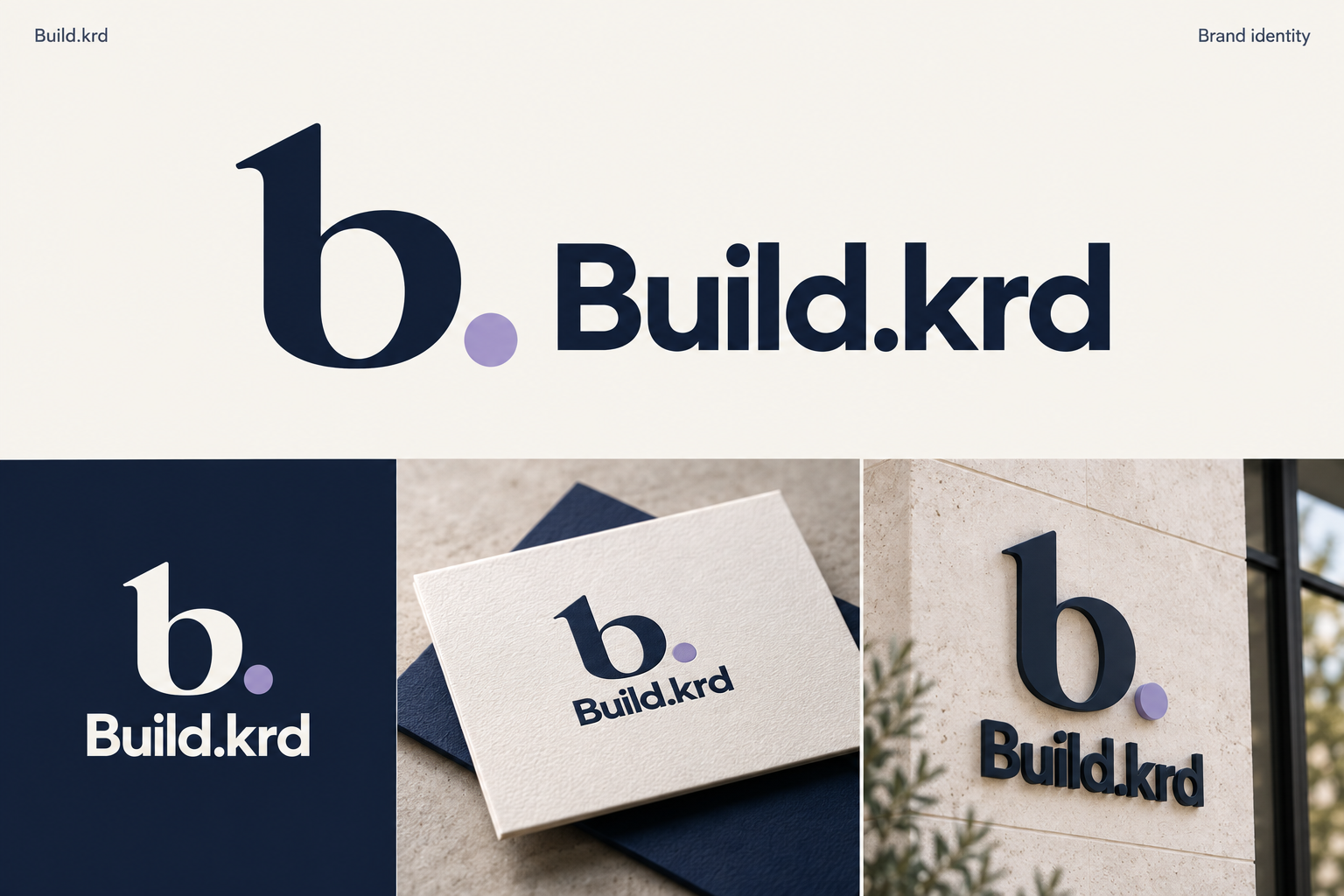
CONCEPT STUDY / BRAND IDENTITY
03 / MOTION VOCABULARY
Five reusable behaviors. Short travel, confident deceleration and no bounce. The headline and controls never wait for the choreography.
Establish a boundary before placing content.
Section rules, a new frame, progress.Move a part a short distance into its place.
A new panel, a form step, a section entrance.Related parts settle into a shared grid.
Service changes and configurable modules.Reveal the relationship between two parts.
Process steps and connected software modules.An outline becomes a finished, useful surface.
The hero and the interactive build demonstration.| Feedback | 150 ms |
|---|---|
| Component transition | 300 ms |
| Section assembly | 650 ms |
| Hero sequence | 1600 ms overall |
| Stagger | 90 ms |
| Ease | cubic-bezier(.22, 1, .36, 1) |
| Reduced motion | Resolved state; immediate changes |
Draw: Do not redraw borders on every scroll movement.
Place: Avoid large travel distances and repeated entrances.
Align: Keep alignment stable while a visitor is reading.
Connect: Do not decorate unrelated content with connectors.
Resolve: Never delay the headline, controls or information.
04 / IMPLEMENTATION RULES
Reuse the shared tokens and components. Add a new pattern only when the existing vocabulary cannot clearly express the task.